API Keys
API keys let external systems and scripts call the logiccloud orchestrate API without a user signing in interactively.
Who can access this: every role. Admins see and manage all keys of the tenant; operators and viewers see and manage only the keys they created. The API Keys menu item opens Settings → Security.
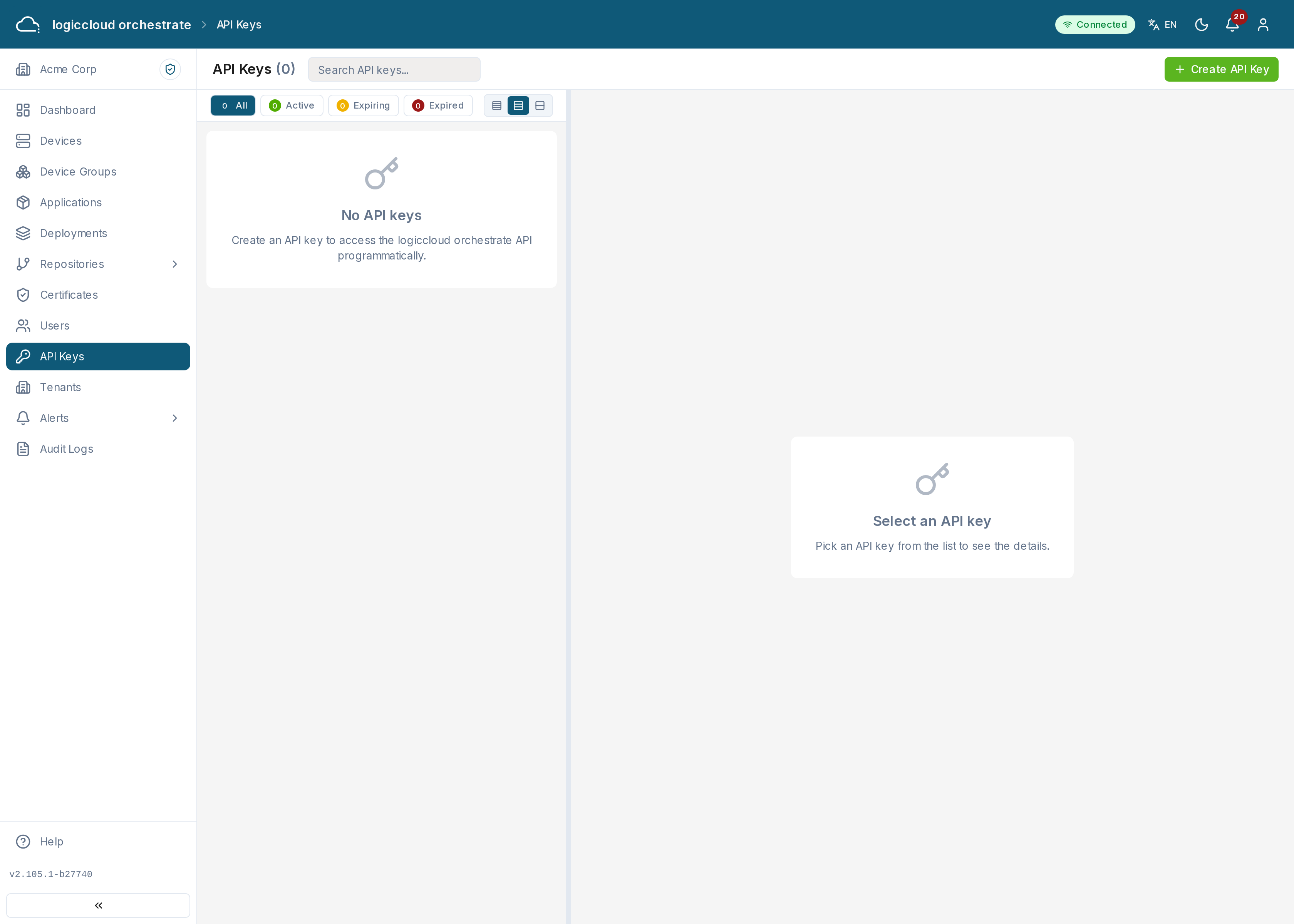
What you see
Section titled “What you see”A table of the tenant’s API keys showing each key’s name, a masked prefix, its permissions (scopes), and its last used, expiry, and created dates.
Creating an API key
Section titled “Creating an API key”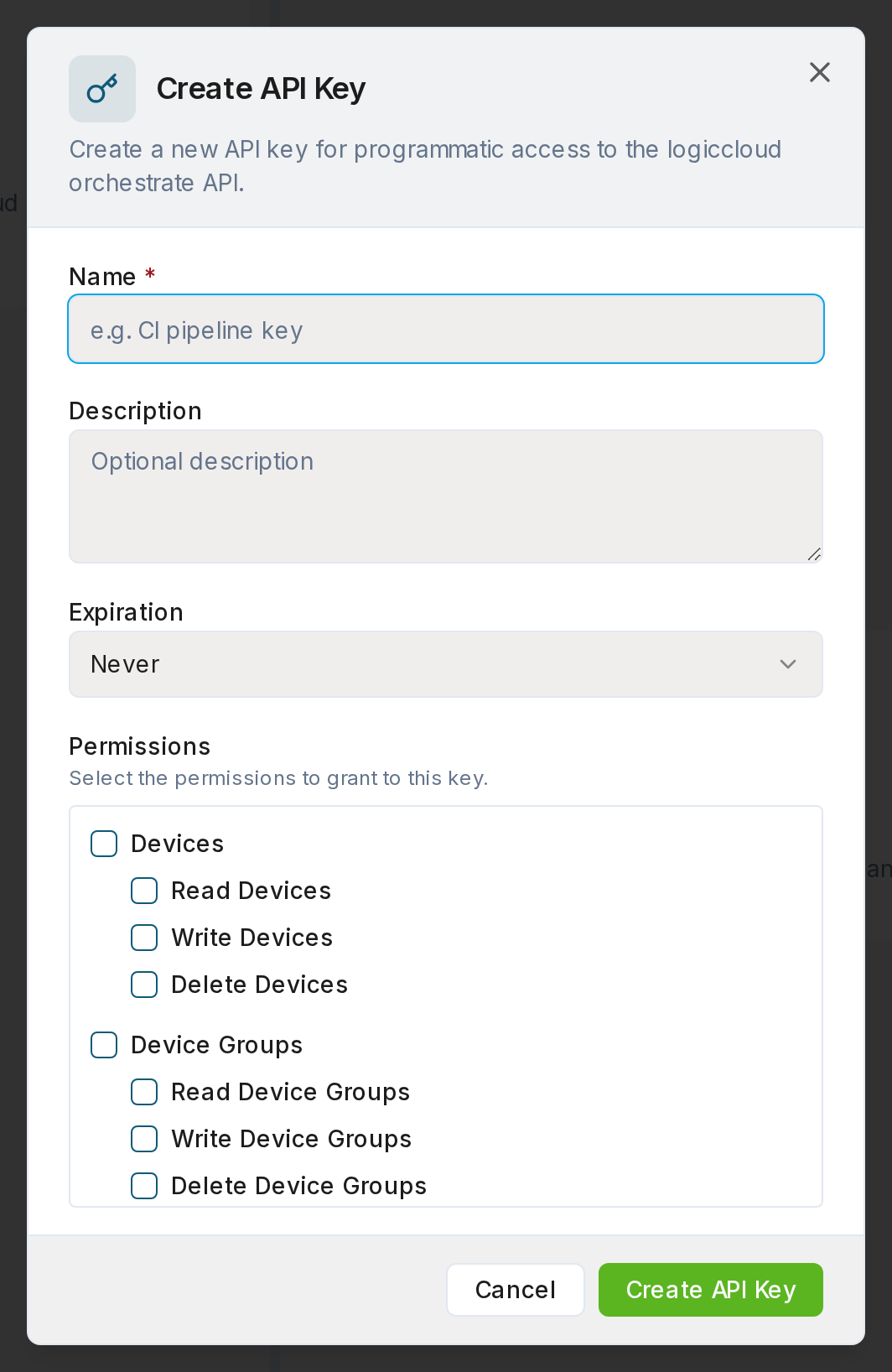
- Click Create API Key.
- Give it a name, select the permissions (scopes) it should have, and optionally set an expiry. The dialog lists only the permissions you hold yourself, grouped by area; the server refuses any other.
- Submit. The full key is shown once — copy it and store it securely. You won’t be able to see it again.
Which permissions you can grant
Section titled “Which permissions you can grant”The list depends on your role:
- Viewer — read permissions only (devices, device groups, deployments, applications, certificates, organization, activity, fleet overview and telemetry), and read access to API keys.
- Operator — everything a viewer can grant, plus changes to devices, device groups, deployments, applications and Git and OCI registries.
- Admin and superadmin — every permission an API key can use.
Git registries and OCI registries have separate permissions. A key needs the OCI registry permissions to work with OCI registries.
No API key can hold Write API Keys, whatever your role: a key must not create further keys. Keys that already hold it keep working.
Some permissions give an API key no access at all, so the dialog does not offer them: approve deployments, delete organization, delete users, invitations and schedules. Keys that already hold one of them keep working unchanged.
Managing keys
Section titled “Managing keys”- View — inspect a key’s permissions and dates.
- Revoke — invalidate a key immediately. Requests using it then fail with an authentication error.
A key never grants more than its creator holds now: if the creator’s role is reduced, or the creator leaves the tenant, their keys lose the permissions the creator no longer has.
A key is also fixed to the organization it was issued for. It never uses a tenant switch, not even one of its creator. A request that names another organization returns 403, and so does every tenant switch endpoint. See Tenant scoping and tenant switching.
Status values
Section titled “Status values”- active — valid and usable.
- revoked — invalidated; no longer accepted.
- expired — past its expiry date.